
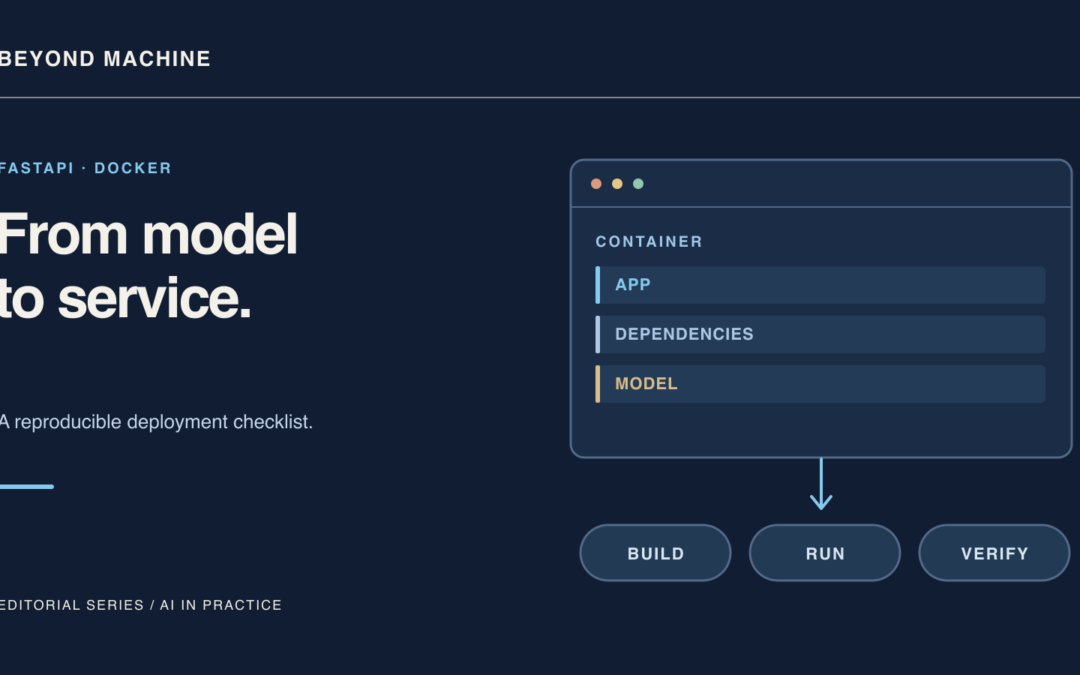
Serving machine learning models in production requires structured packaging, controlled process lifecycles, and predictable runtime environments. Containerizing an application using Linux containers bundles application files, system runtimes, and dependencies into an isolated unit. However, packaging an API inside a container image does not independently guarantee low latency, system reliability, runtime security, or complete reproducibility without disciplined image design and operational safeguards.
This guide outlines a baseline architecture for Docker model serving with FastAPI. Based on official FastAPI containerization patterns and lifespan management practices, it details optimal Dockerfile layer ordering, server command selection, model lifecycle handling, and a concise deployment checklist. All code examples provided here are unexecuted illustrative patterns intended to guide service structure.
Optimizing Dockerfile Layer Order for Model Services
Docker builds container images in progressive, cached layers. Structuring the Dockerfile to prioritize slow-changing dependencies over fast-changing source code maximizes layer reuse and reduces rebuild overhead during deployment pipelines. According to the FastAPI container deployment documentation, package definitions should be copied and installed before copying application code.
Consider the following illustrative Dockerfile pattern:
# Illustrative Dockerfile (unexecuted example)
FROM python:3.14

WORKDIR /code

COPY ./requirements.txt /code/requirements.txt

RUN pip install --no-cache-dir --upgrade -r /code/requirements.txt

COPY ./app /code/app

CMD ["fastapi", "run", "app/main.py", "--port", "80"]
Each instruction serves a deliberate role in caching and execution:
- Base Image:
FROM python:3.14pulls the official Python Linux image, providing the core runtime environment. - Working Directory:
WORKDIR /codesets an explicit working path inside the container where subsequent commands and copies execute. - Targeted Copy of Dependencies:
COPY ./requirements.txt /code/requirements.txttransfers the dependency manifest independently. Because dependencies change less frequently than route logic or model endpoints, Docker reuses this layer across rebuilds until the manifest itself changes. - Dependency Installation:
RUN pip install --no-cache-dir --upgrade -r /code/requirements.txtinstalls the specified dependencies. The--no-cache-dirflag instructs pip to avoid saving downloaded packages to an internal cache directory, which saves storage space within the container image layer. The--upgradeflag ensures installed packages match the requested specification. - Application Copy:
COPY ./app /code/appcopies the service code late in the file. Since application logic changes frequently during iterations, placing it after dependency installation prevents invalidating the cached dependency layer.
Server Execution and Proxy Integration
The container entrypoint relies on the command line interface defined in the CMD directive. The command fastapi run app/main.py --port 80 initiates the application process using Uvicorn under the hood. A container remains active only as long as its primary process is alive; if this process terminates, the container stops.
When serving models behind an ingress proxy, API gateway, or reverse proxy such as Nginx or Traefik, passing the --proxy-headers option is necessary. This flag informs the underlying server to trust forwarded header values, ensuring that client IPs and protocol schemes are resolved correctly in multi-tier infrastructures. Detailed configuration options can be explored through broader FastAPI deployment strategies.
Model Initialization with Lifespan Handlers
Loading weights and initializing machine learning artifacts during individual request cycles degrades responsiveness. Conversely, importing or evaluating model weights at the root module level can hinder local testing by forcing heavy model loading during static analysis or component tests. As detailed in the FastAPI lifespan events documentation, the recommended pattern is the lifespan parameter of the FastAPI application class.
The lifespan handler uses Python’s @asynccontextmanager decorator. Code positioned before the yield statement runs once before the application begins accepting incoming requests, allowing models to load into shared memory. Code following the yield executes once when the server shuts down, enabling clean resource reclamation such as clearing GPU buffers or closing thread pools.
Earlier event handlers using @app.on_event("startup") and @app.on_event("shutdown") are deprecated. When a lifespan handler is defined on the application, traditional startup and shutdown event decorators are ignored.
Illustrative Endpoint Implementation
The following illustrative example demonstrates an application module containing a mock prediction model managed via a lifespan handler. This snippet has not been executed in a production environment and serves as an architectural template.
# Illustrative main.py (unexecuted example)
from contextlib import asynccontextmanager
from fastapi import FastAPI

def load_dummy_model(x: float) -> float:
    # Simulated model inference function
    return x * 42.0

ml_models = {}

@asynccontextmanager
async def lifespan(app: FastAPI):
    # Startup: Load the model into a shared dictionary before receiving requests
    ml_models["inference_model"] = load_dummy_model
    yield
    # Shutdown: Release memory and clean up resources
    ml_models.clear()

app = FastAPI(lifespan=lifespan)

@app.get("/predict")
async def predict(x: float):
    model = ml_models["inference_model"]
    prediction = model(x)
    return {"input": x, "prediction": prediction}
In this structure, the model is available to route handlers via the shared reference, ensuring inference endpoints can execute immediately upon the application becoming healthy. Storing loaded models in shared memory prevents repeated disk access on incoming client calls while preserving decoupled application initialization.
Reliability and Reproducibility Considerations
While containers encapsulate file systems and dependency trees, containerization alone does not guarantee end-to-end reproducibility, zero downtime, or low latency. Variations can arise from differing host operating system kernels, divergent hardware architectures (such as running x86_64 versus ARM64), or dynamic network fetches during unpinned package installations.
Furthermore, machine learning model serving frequently contends with high memory footprints and intensive computational requirements. If a container exceeds allocated host memory, the host kernel may terminate the container process abruptly. High availability requires pairing well-structured images with external cluster orchestration, health checks, strict resource limits, and ingress routing.
FastAPI Model Serving Deployment Checklist
Use the following operational checklist before deploying container images to staging or production clusters:
- Explicit Layer Caching: Verify that
requirements.txtis copied and installed prior to copying the application directory in the Dockerfile. - Pip Flags Configured: Ensure dependencies are installed with
--no-cache-dirto minimize container image footprint. - Modern Lifespan Implementation: Confirm startup and shutdown logic uses the
lifespancontext manager rather than deprecated@app.on_eventhooks. - Proxy Headers: Include
--proxy-headersin thefastapi runcommand if the service operates behind an ingress controller, reverse proxy, or load balancer. - Stateless Process Model: Confirm the container relies on a single persistent main process, enabling orchestration systems to detect crashes and manage restarts accurately.
- Host Environment Validation: Account for host kernel limits, GPU driver availability, and architecture compatibility across build and deployment environments.
1-on-1 AI & Data Science Mentorship
Accelerate your career with personal coaching from Dr. Stylianos Kampakis. Tailored portfolio reviews, interview prep, and direct industry placement.
The AI-Augmented Data Analyst Starter Kit (2026 Edition)
Master modern AI workflows, automated EDA, SQL querying, and executive decision briefs.